



Apple’s iOS 26 makes it easier than ever for parents to set up Child Accounts, with stronger safeguards and more control over what kids can see and do. Here’s how to use it.
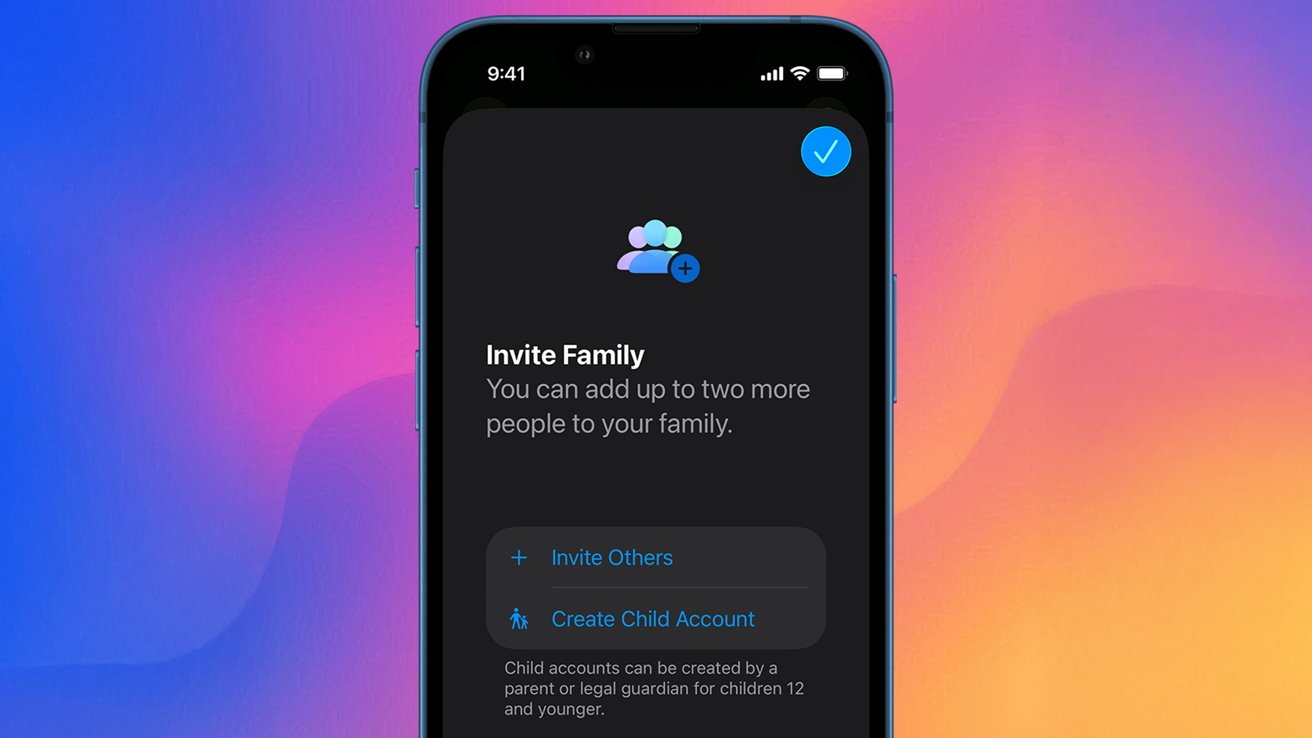
How to set parental controls on iOS 26 and iPadOS 26
With the introduction of iOS 26, Apple has streamlined the process of setting up a Child Account. The goal was to give parents a quick way to ensure a child has an age-appropriate experience online.
This is useful because once set up, it automatically enables several features to help keep kids safe. This includes the ability for parents to share their child’s age range with apps in a privacy-preserving manner.
Continue Reading on AppleInsider | Discuss on our Forums