



Unless you’ve gone looking in System Settings, you may not be aware that the Camera Control button on the iPhone 16 and iPhone 17 can be set to do other functions besides set up and take a picture. Here’s how to change it.
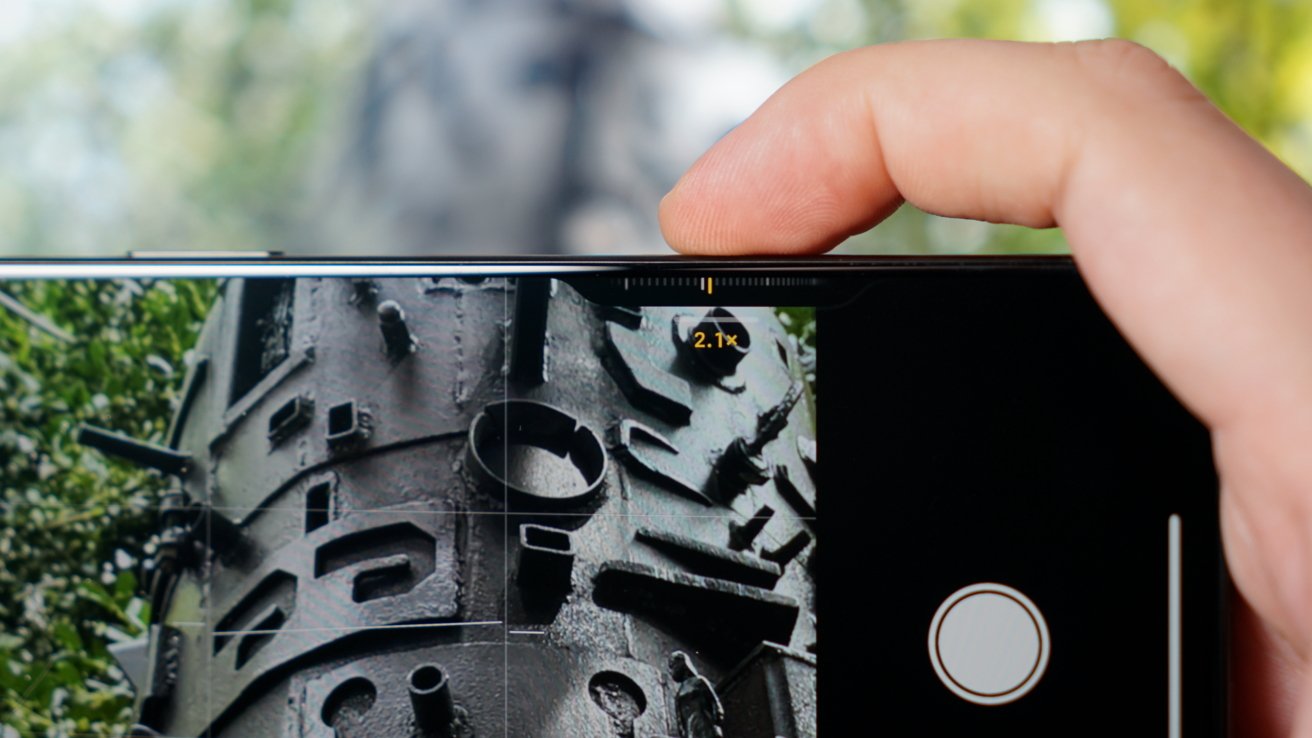
The Camera Control button is currently unique to the iPhone 16 and 17 lineups.
By default, pressing the Camera Control button launches the Camera app on the iPhone 16 and iPhone 17 models. Once open, pressing the button again will take a picture, or pressing and holding will shoot video.
A light press on the Camera Control button once the Camera app is open gives users a haptic click and the ability to adjust settings like zoom level or exposure. It operates sort of like the dials or on-screen controls in DSLR cameras.
Continue Reading on AppleInsider | Discuss on our Forums